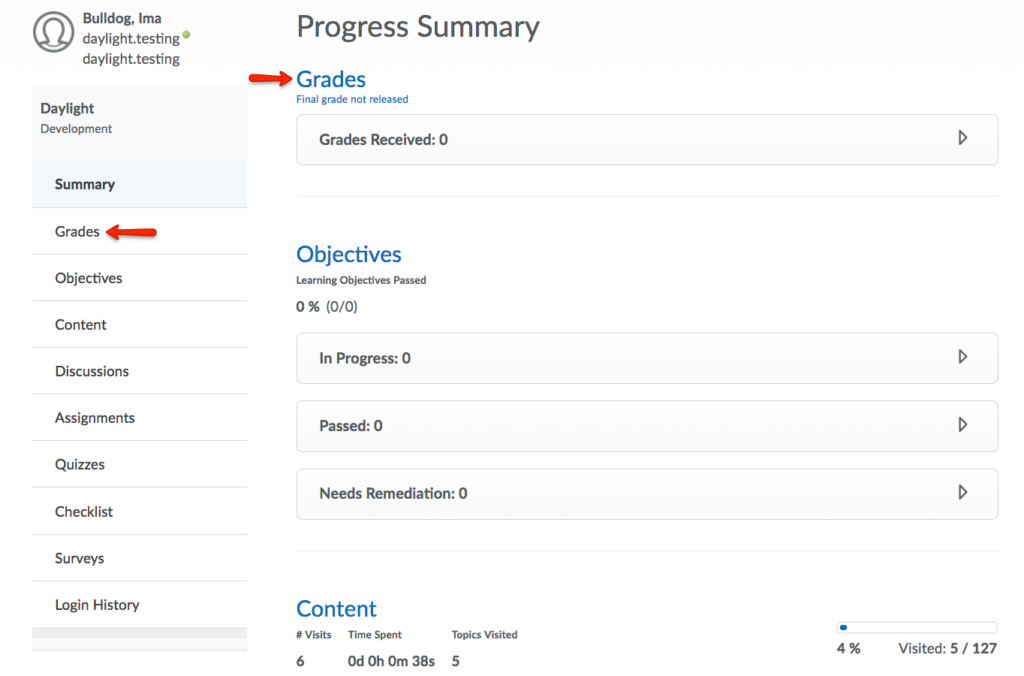


The Class Progress tool tracks your learners’ overall progress as a course and individually.
To access and use the tool:
- Click on Course Admin then Class Progress. This will provide a clickable summary for each student on your Classlist.
- For more details on a specific student, click on their name. You will be redirected to the Progress Summary. You can view data by clicking on each tool underneath Progress Summary or from the navigation menu on the left. Within each tool, you will see a summary of activity and progress tracked for that student.